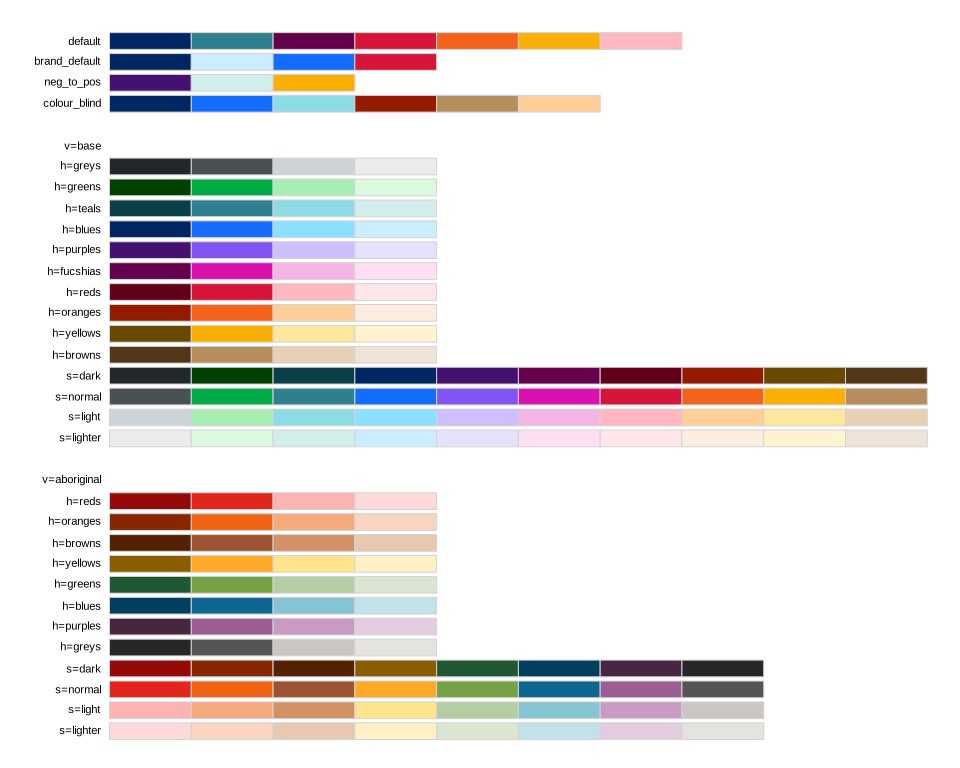
Palettes created using the NSW Design System.
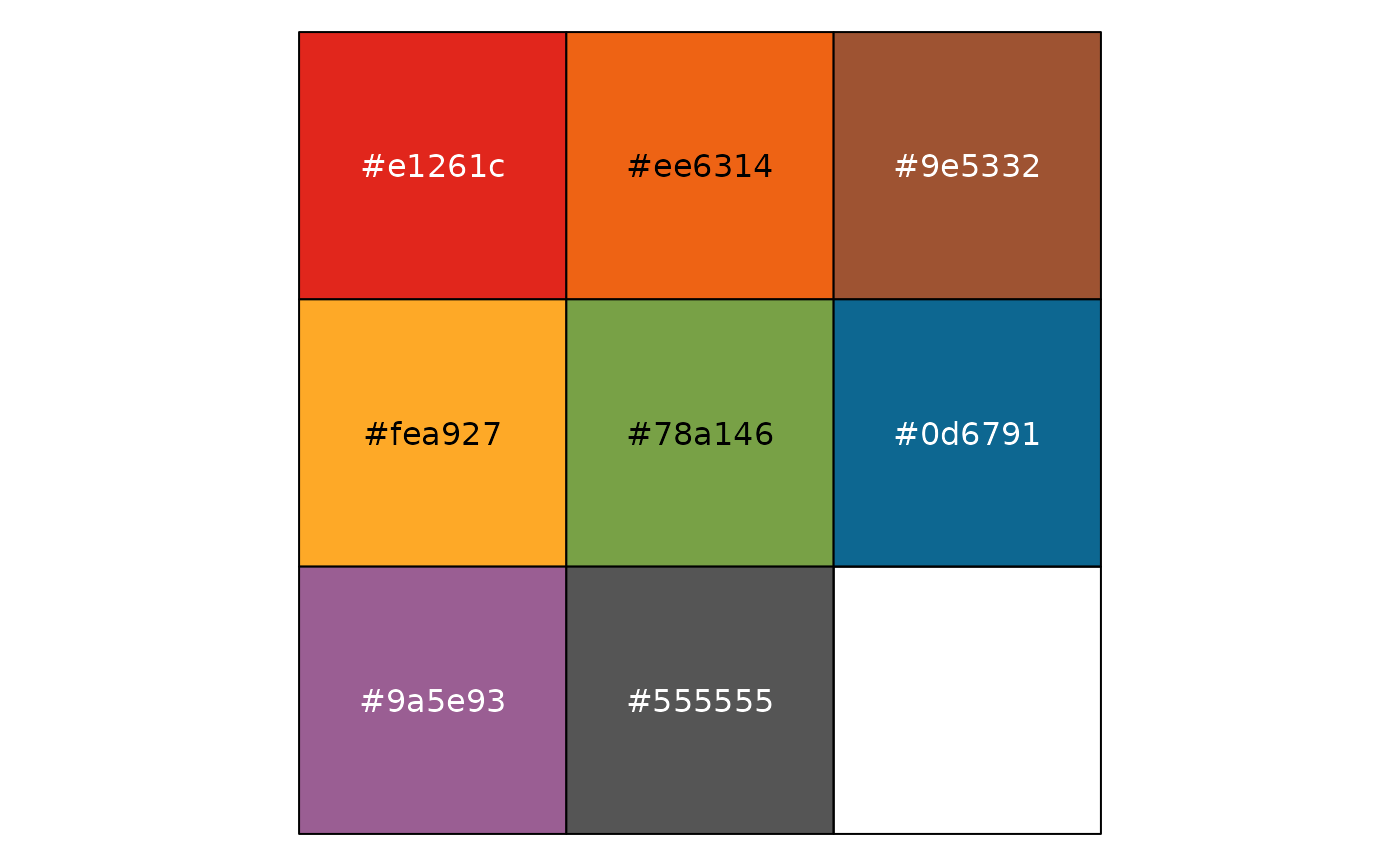
To use the Aboriginal colour grid, specify variant = "aboriginal".
Arguments
- palette
name of a predefined palette: default, brand_default, core.
- hue
name or index of the hue - see below. Ignored if
paletteis specified.- tone
name or index of the tone - see below. Ignored if
paletteis specified.- variant
name of palette variant. Available options are: base, aboriginal, corporate, treasury. Ignored unless
hueortoneis specified.- direction
set to -1 to reverse the order of colours in the palette, or 1 for the original order.
- colours
vector of colour names corresponding to nsw_colours.
Value
A palette object (see palette constructors)
Details
To use palettes based on the NSW Design System colour grids, either
specify hue and allow the tone to vary, or specify tone to allow the
hue to vary.
The recommendation is to use the first two tonal rows going one colour at a
time from a set of colours; this can be achieved by specifying tone = 1:2.
There are several named palettes which can be specified with palette.
To create custom combinations of named colours from the design system, use
pal_nsw_manual().
Colour columns and tonal rows
The "base" variant supports:
hue: greys, greens, teals, blues, purples, fucshias, reds, oranges, yellows, browns
tone: dark, normal, light, pale
The "aboriginal" variant supports:
hue: reds, oranges, browns, yellows, greens, blues, purples, greys
tone: dark, normal, light, pale
Colour themes support subsets of the hues from one of the main grids in a specific order. These themes are built in:
"treasury": teals, greys, oranges, greens"corporate": blues, reds, greys
The default variant can be specified globally with options(waratah.colour_theme).
Unambiguous shortened forms are accepted, e.g. pal_nsw(h = "red", v = "a").
See also
Other palettes:
pal_waratah()
Examples
library(scales)
pal_nsw() |> show_col()
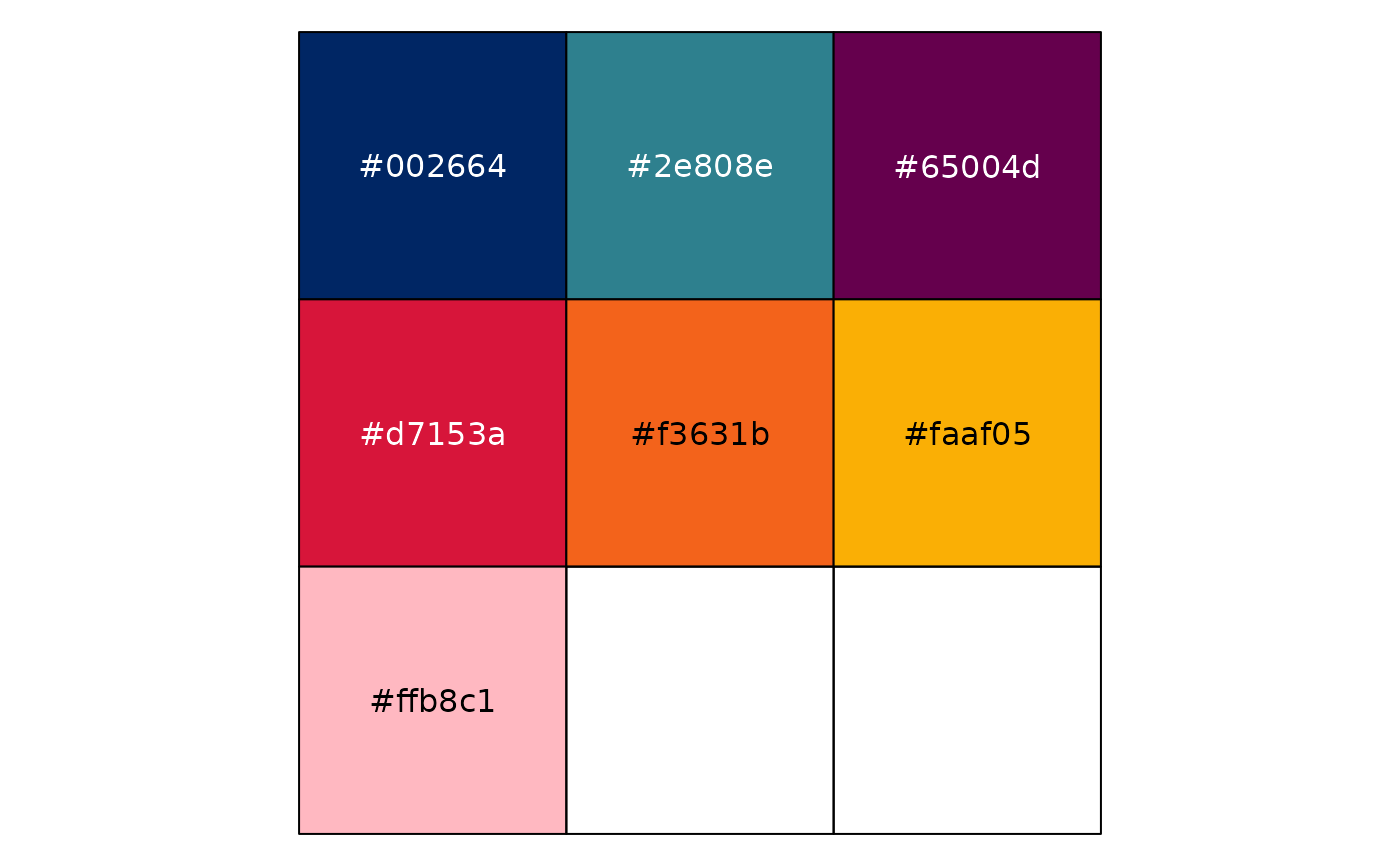 pal_nsw(hue = "blues") |> show_col()
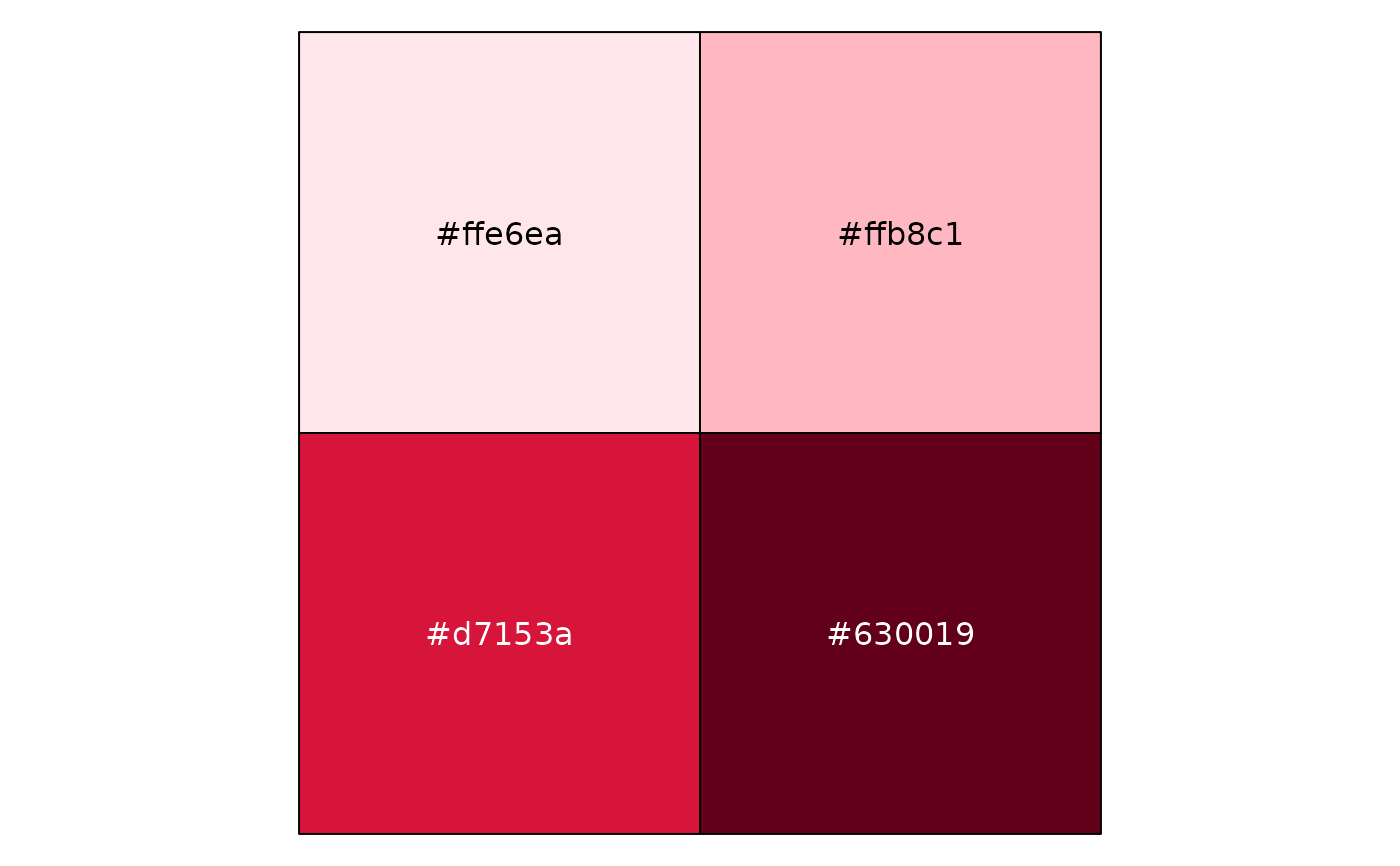
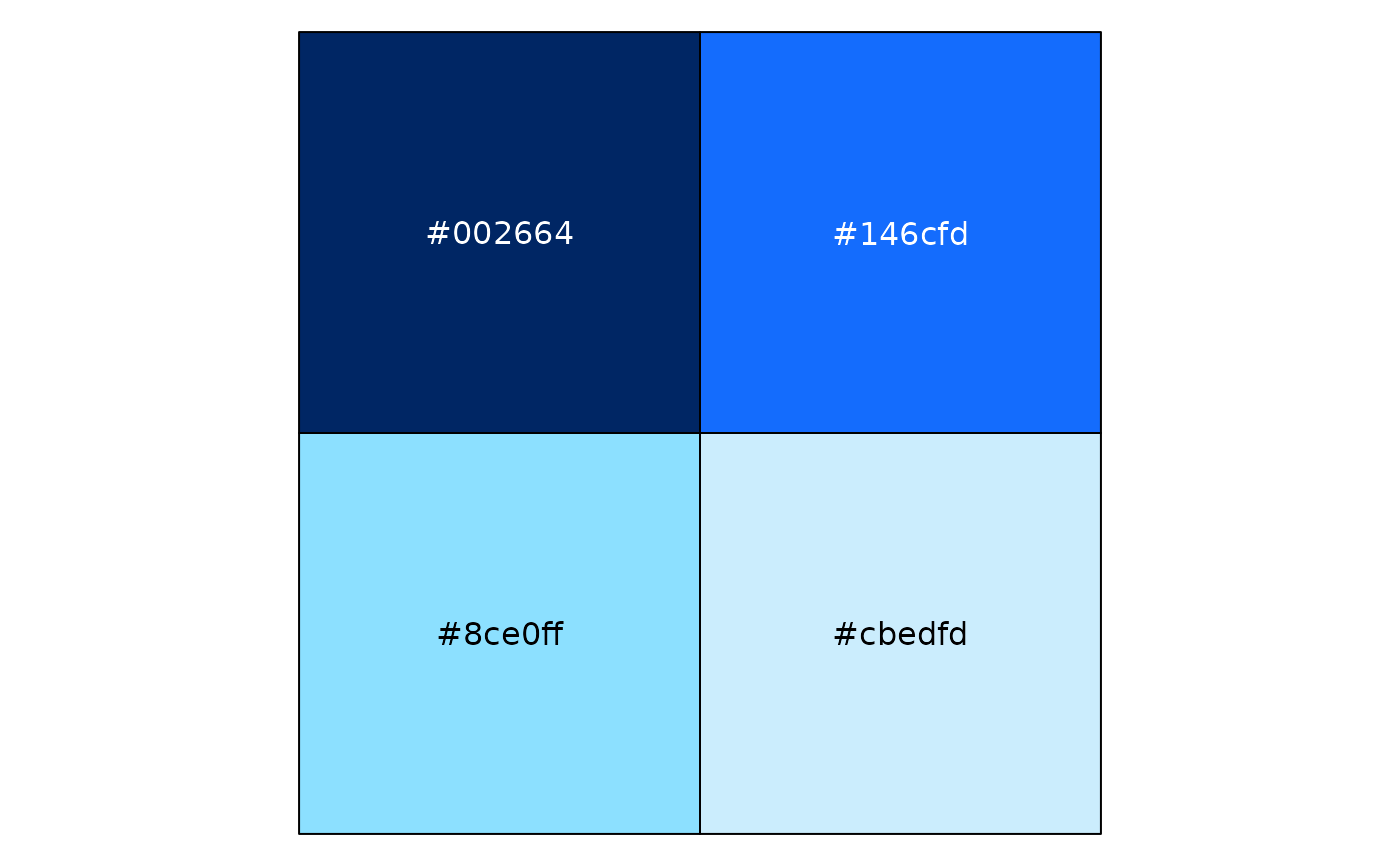 pal_nsw(tone = 1:2, variant = "corporate") |> show_col()
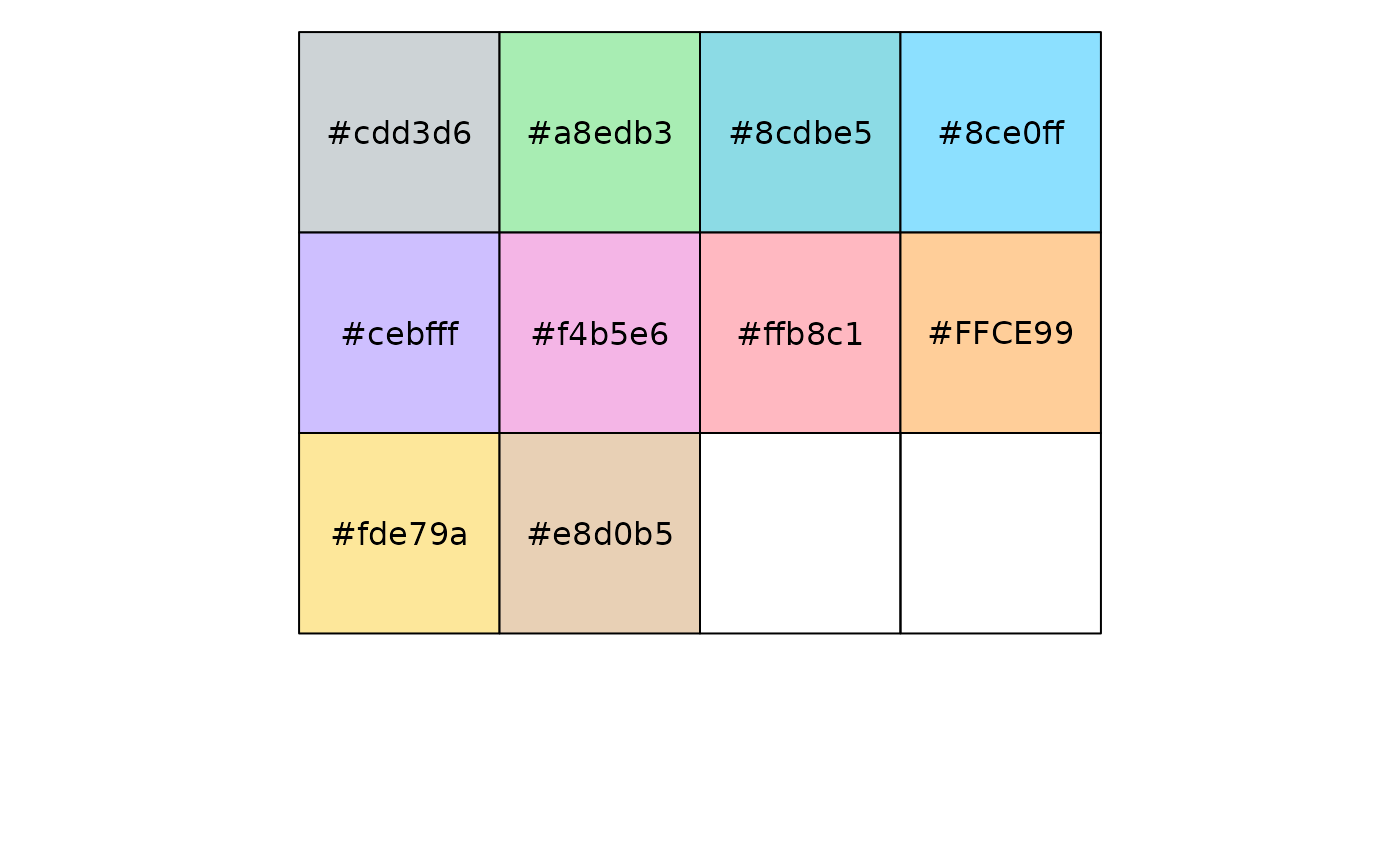
 pal_nsw(tone = "light") |> show_col()
 pal_nsw(tone = "normal", variant = "aboriginal") |> show_col()
 pal_nsw_manual(c("blue_02", "red_01", "green_03")) |> show_col()
 # you can interpolate colours by converting to a continuous scale
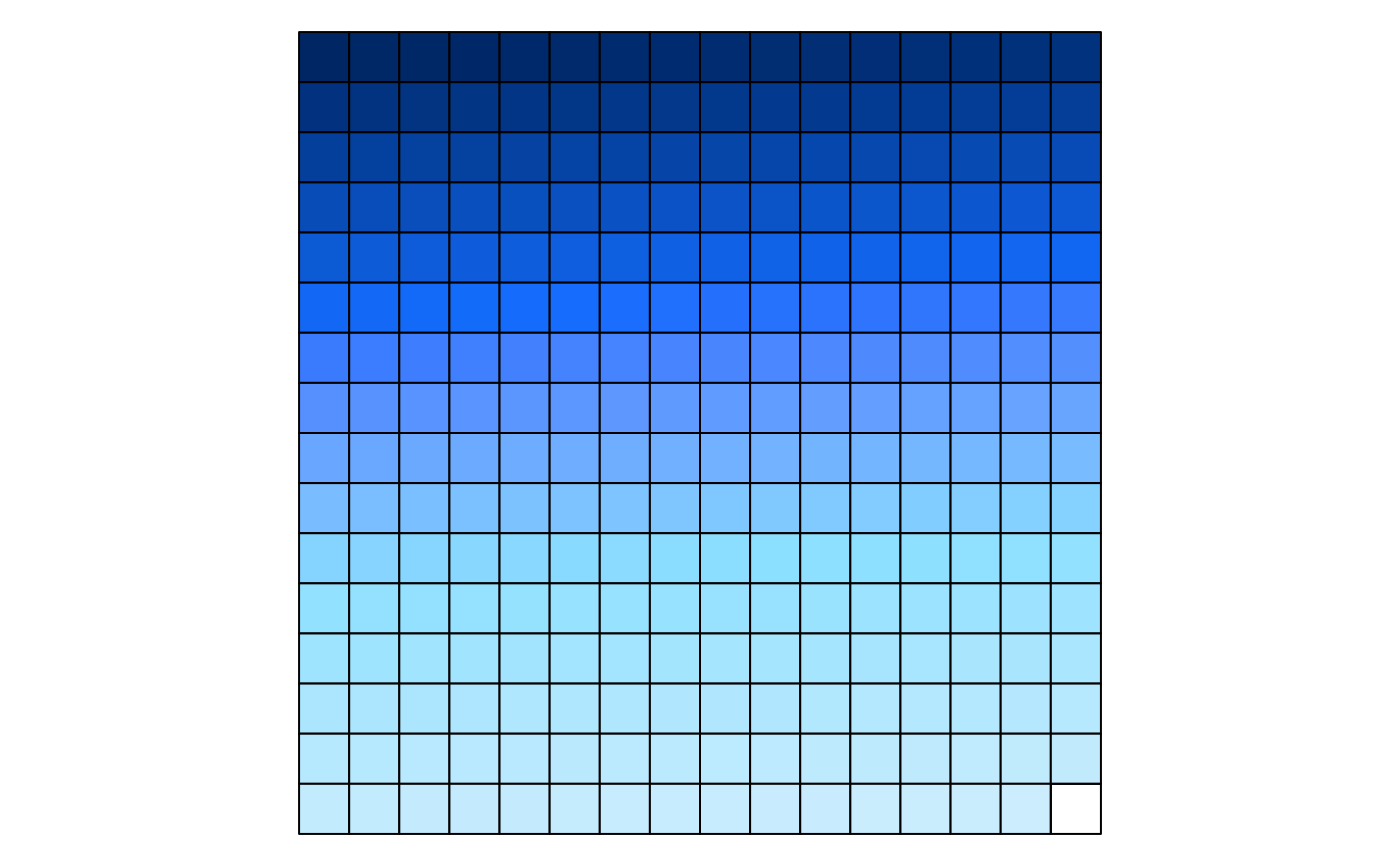
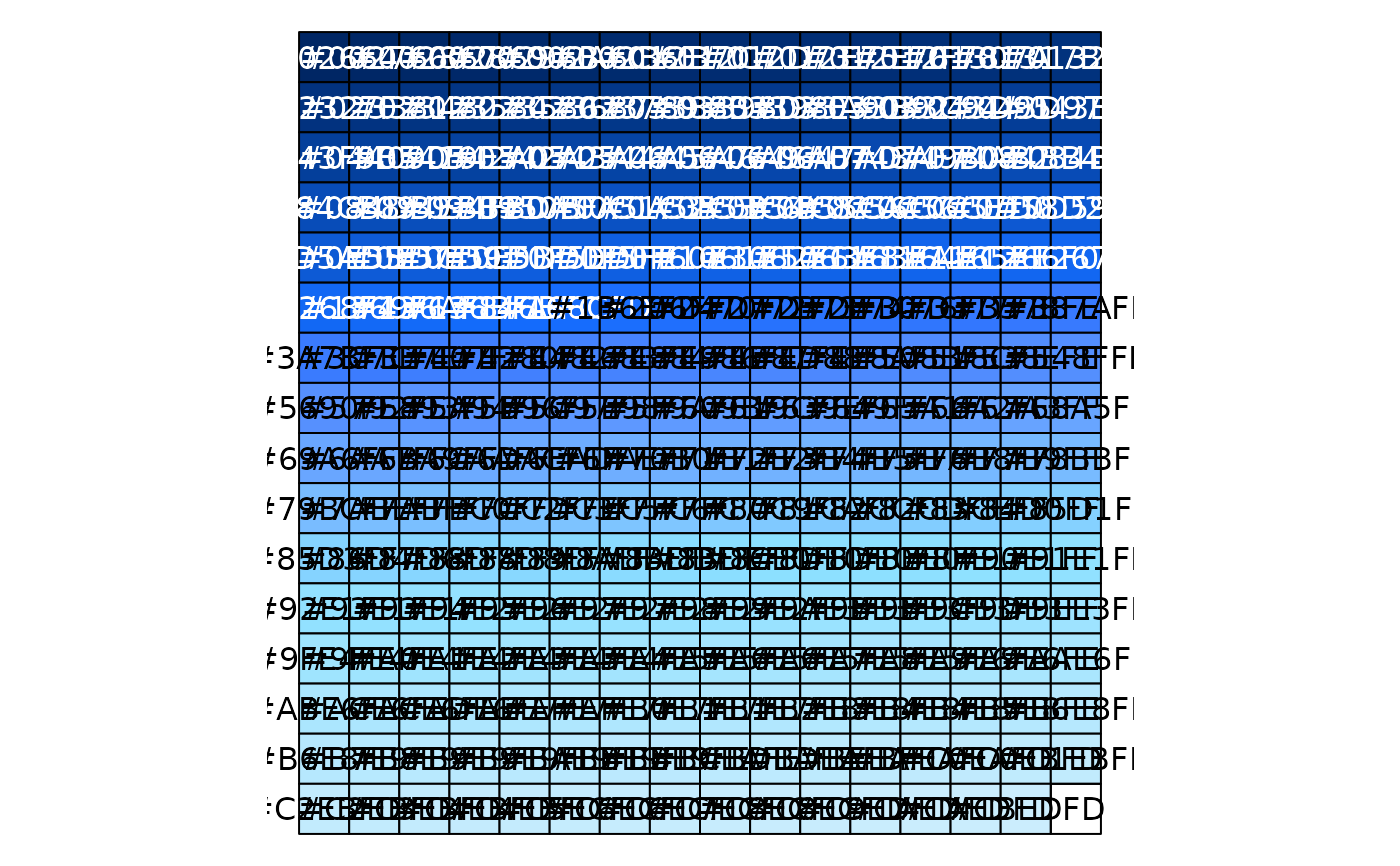
pal_nsw(hue = "blues") |> as_continuous_pal() |> show_col(labels = FALSE)
# you can interpolate colours by converting to a continuous scale
pal_nsw(hue = "blues") |> as_continuous_pal() |> show_col(labels = FALSE)